Sokket
Let AI agents work with your WordPress site
Turn your site into a self-hosted MCP server that Claude, ChatGPT, Cursor and other AI clients can connect to, safely and with your permissions. Try the real plugin in your own private demo.
✓ Free on WordPress.org ✓ Disabled until you enable it ✓ No AI API keys needed
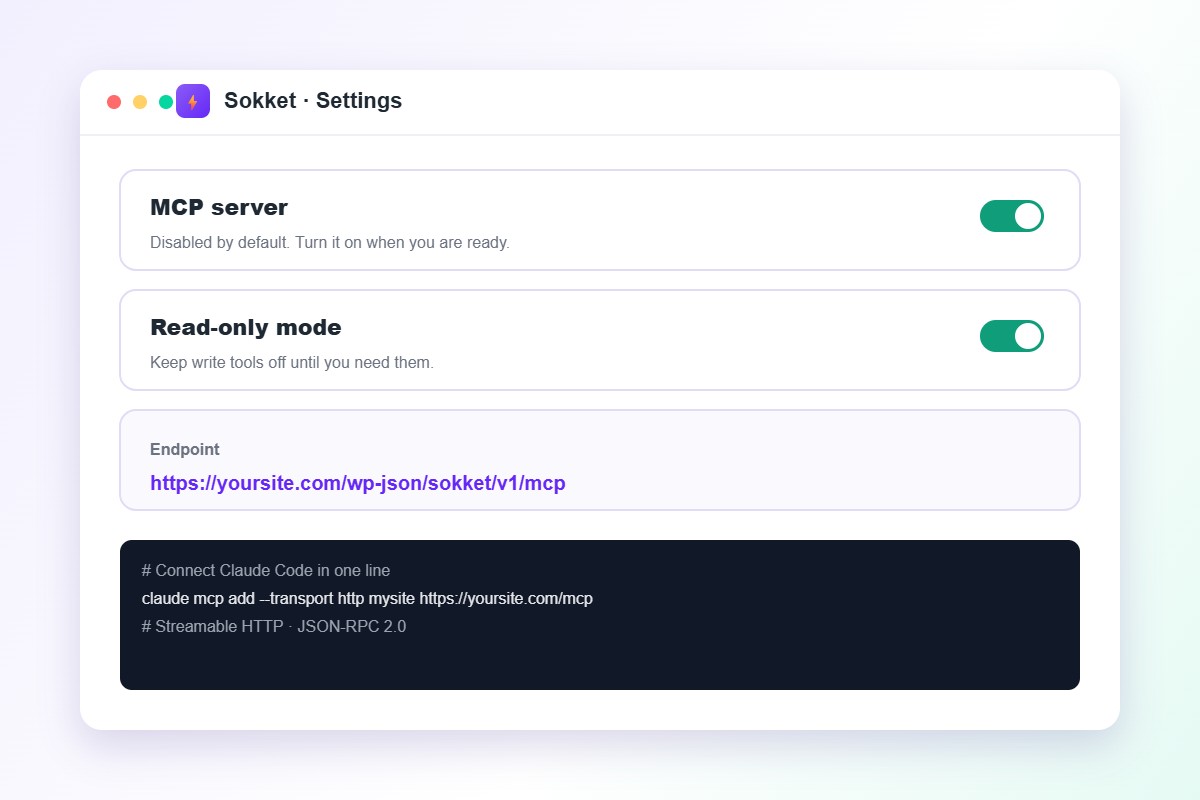
A safe, controlled bridge between AI and WordPress
Everything below is in the Sokket menu of this demo.
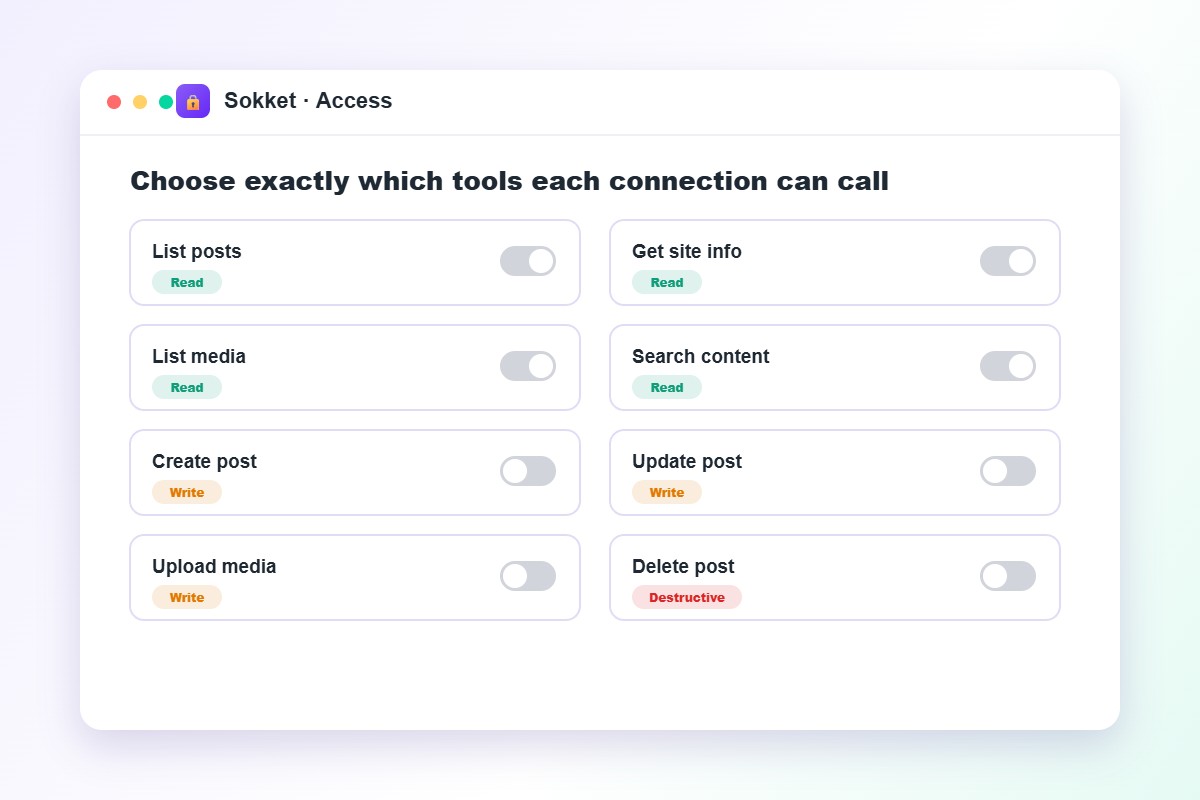
You decide which tools AI can call
More than 39 built-in tools cover content, media, templates, menus, comments and site health. Allow only what you need.
- Tool allowlist per connection
- Write tools off by default
- Destructive tools clearly labeled
- SEO tools for Yoast, Rank Math and SEOPress
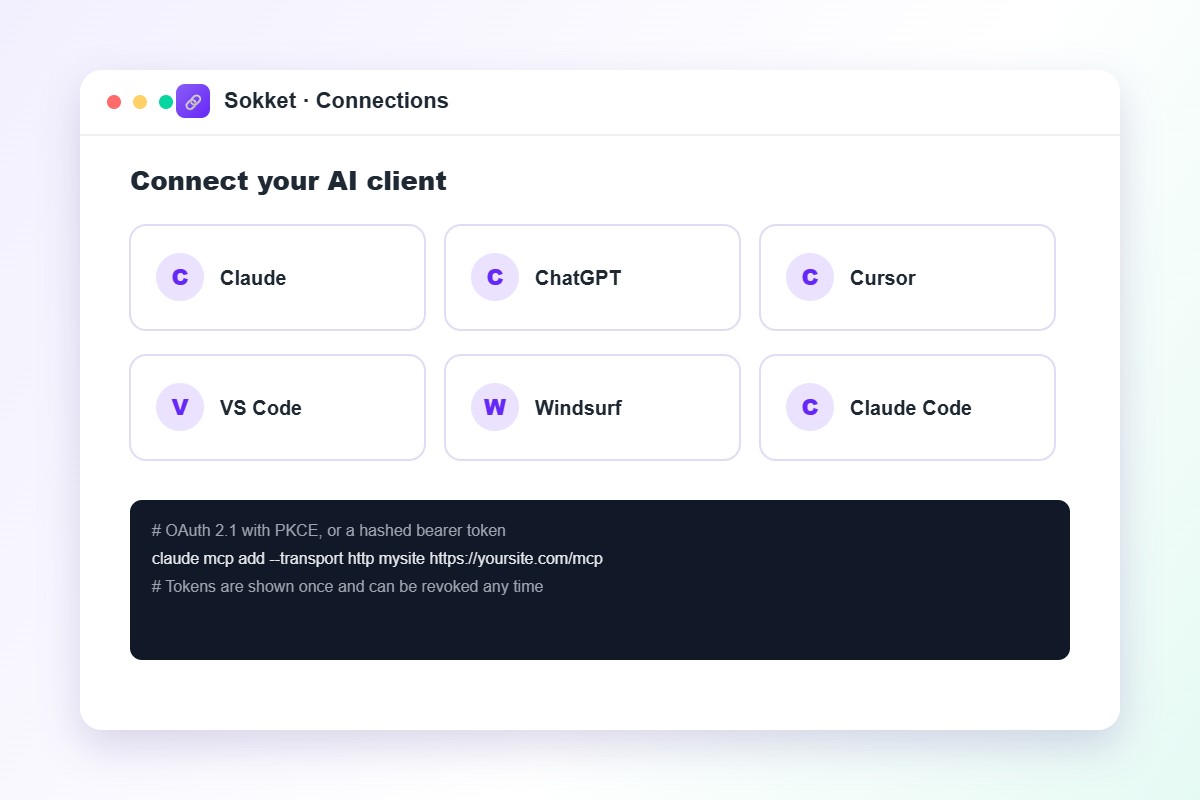
Connect any AI client in one command
Copy a ready-made setup command for your client, and sign in with OAuth 2.1 or a bearer token.
- Claude, ChatGPT, Cursor, VS Code and Windsurf
- OAuth 2.1 with PKCE and a consent screen
- Hashed tokens shown once, revocable any time
- Streamable HTTP and JSON-RPC 2.0
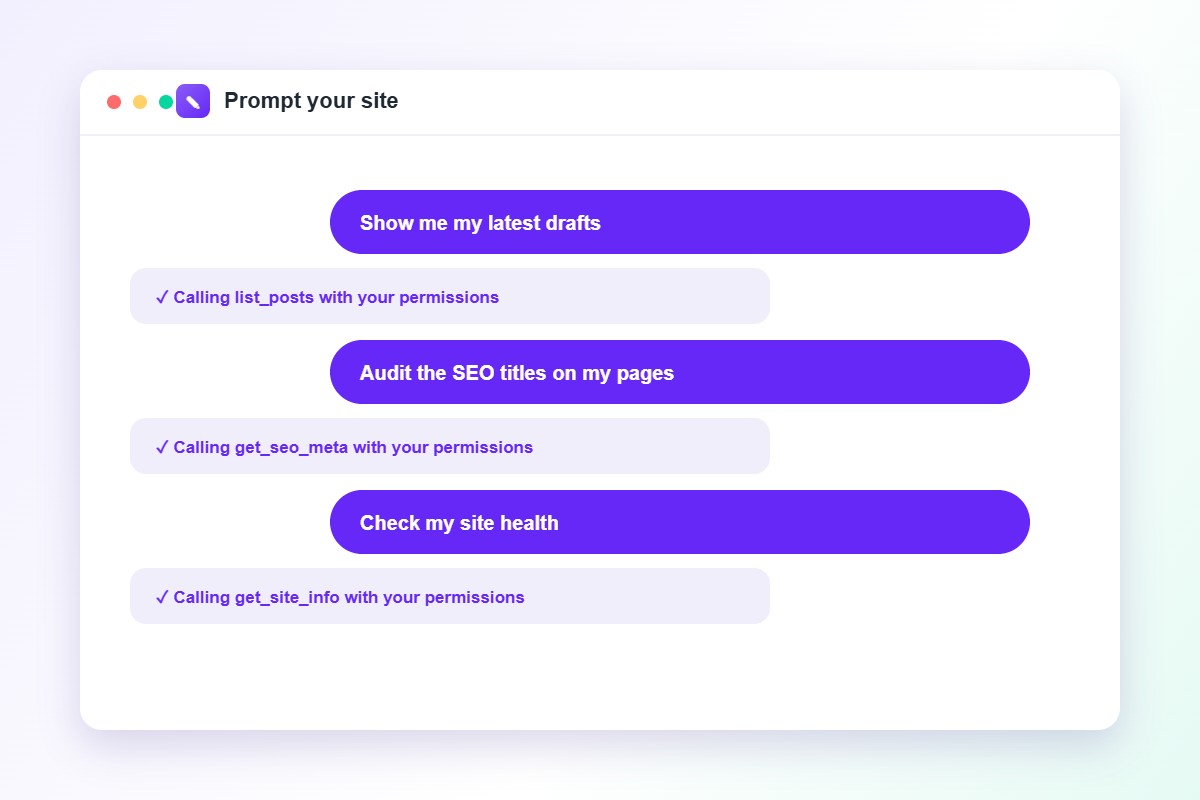
Manage your site by asking
Ask your AI assistant for your latest drafts, an SEO title audit or a site health check, and it works with your permissions.
- Content, media and block templates
- Menus, categories, tags and comments
- Block markup validation
- Site info and health checks
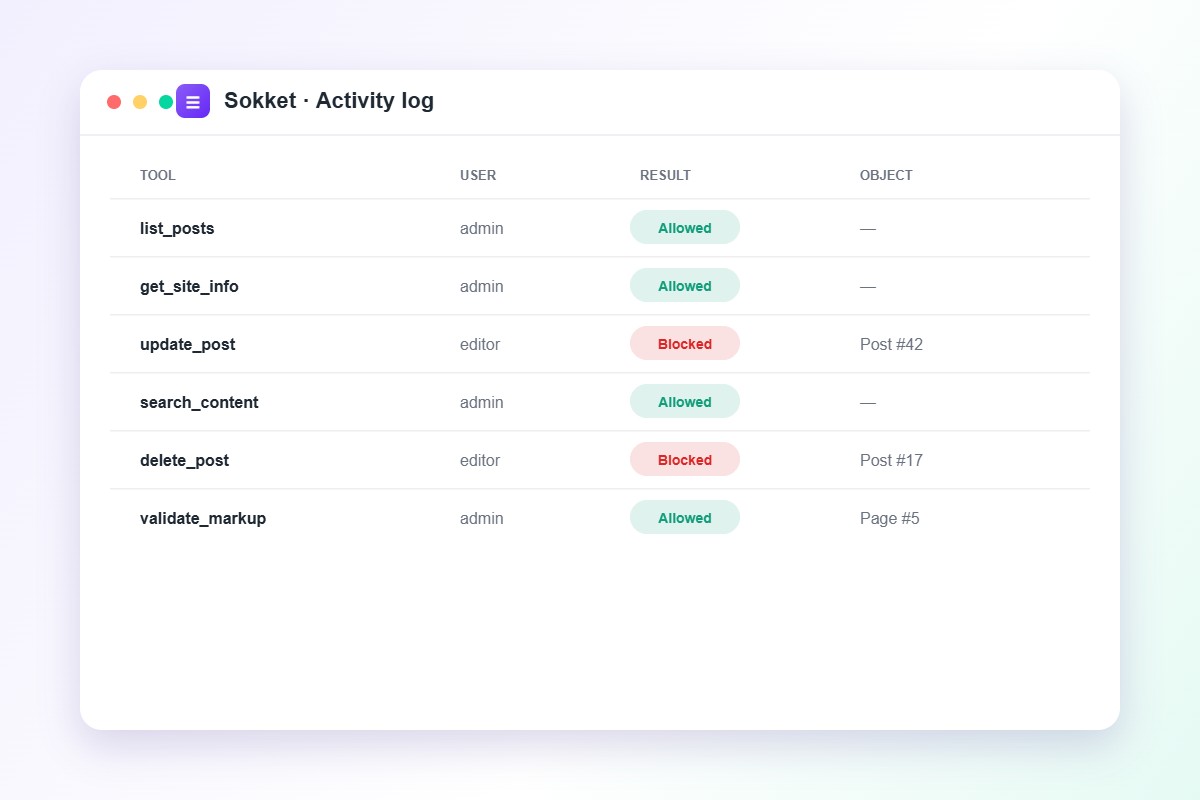
See every call in the activity log
Know which tool was called, by whom, the result and the object affected. Arguments are never stored.
- Allowed and blocked calls
- User and object details
- Rate limiting and origin checks
- Three-layer permission checks on every call
Connect in five steps
From install to your first prompt in a few minutes.
1. Install
Add Sokket from Plugins and activate it.
2. Enable the server
Turn on the MCP server in Sokket settings.
3. Allow tools
Pick the tools you need and keep read-only on at first.
4. Sign in
Use OAuth or a bearer token for your AI client.
5. Copy the command
Paste the ready-made setup command into your client.
6. Start prompting
Ask for drafts, SEO audits or a site health check.
Built for safety first
Safe defaults from the moment you install.
Disabled at install
The server stays off until you turn it on.
Read-only first
Enable write tools one at a time.
Your permissions
Every action runs as the connected WordPress user.
Self-hosted and private
No outside calls and no AI subscription needed.
Extendable
Register custom tools with the sokket_register_tools filter.
No shell or database access
No file, database or shell tools are exposed.
Get started
Install the free plugin from WordPress.org in a minute.
Start free
Everything you need to begin
- 39+ built-in tools
- OAuth 2.1 and bearer tokens
- Tool allowlist and activity log
- SEO tools for popular plugins
Give your AI assistant safe access to WordPress
Install Sokket and connect your first AI client in minutes. Read the documentation to learn more.
Get the Free Plugin